
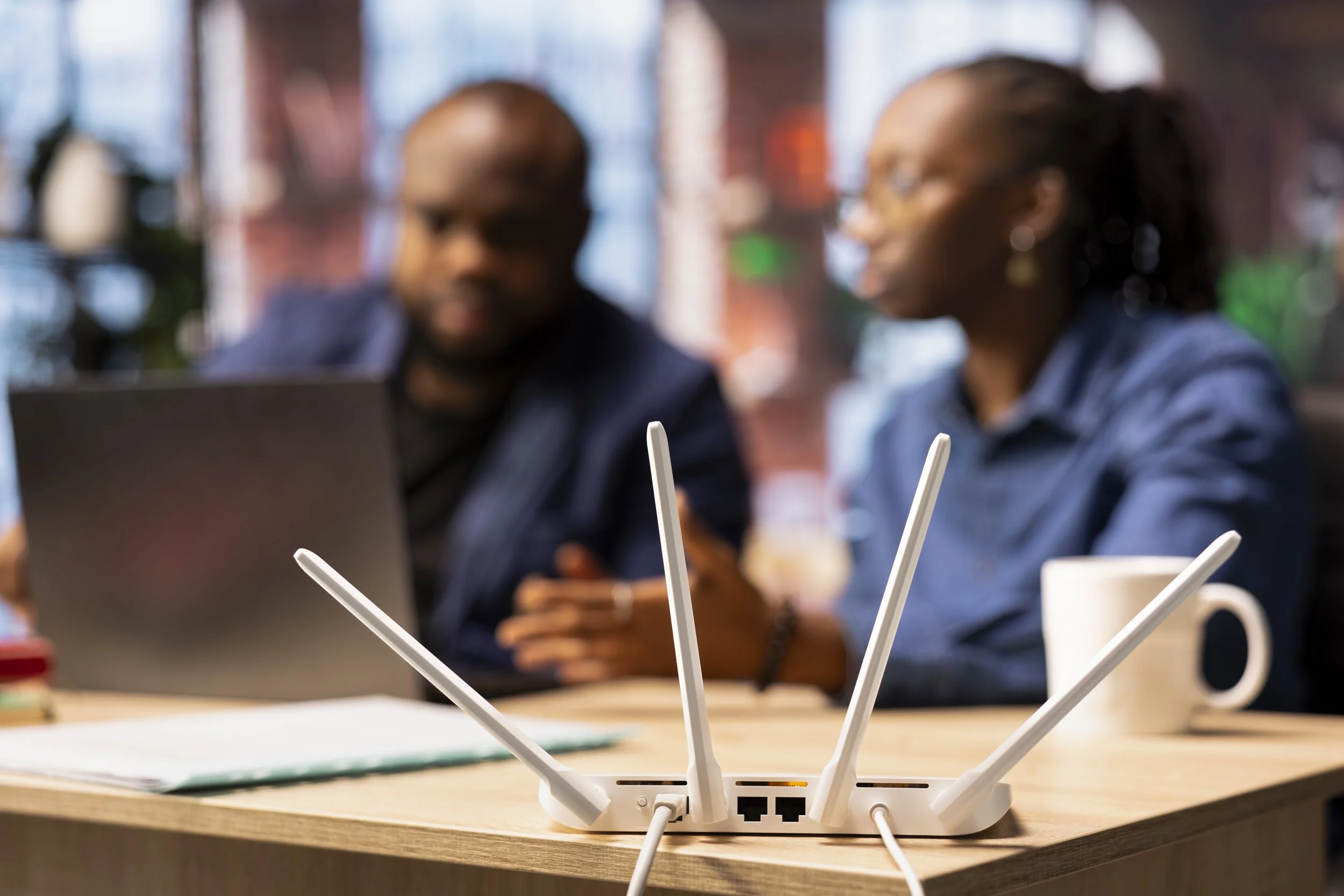
Home Wi-Fi Support in Clive, IA
The back bedroom has no signal, it drops every evening, or the printer refuses to see the network. Tell me what's happening and I'll tell you where the fault is.
Home Wi-Fi Support That Doesn't Start With New Equipment
Most people assume bad Wi-Fi means a new system. Usually it doesn't. The settings inside your router were chosen by a factory or by an installer in a hurry, and nobody has looked at them since, which is where a surprising amount of this lives.
Dead spots and rooms the signal never reaches
Your router sits wherever the line comes into the house, and that's often a basement corner or a closet nobody opens. What arrives at the far bedroom is whatever survived two floors and a run of ductwork. Moving it a few feet fixes problems people have lived with for years. When it doesn't, one well-placed access point usually beats replacing everything.
Drops and slowdowns at the same time every evening
Three people streaming and someone on a call is the load, but it's rarely the cause. More often a device has latched onto the wrong band and stayed there, or your channel is one half the street is also using. Both are settings.
Printers and smart devices that won't stay connected
Everything else works and one thing doesn't. The printer, the thermostat, the camera by the door, the TV in the basement. Wrong band, guest network, or an address that changed when the power flickered.
A new router and a house full of devices to reconnect
Change the equipment and every device needs telling again. That's an afternoon on your own and considerably less with someone doing it with you.
Whether It's Your Equipment or Your Internet Provider
This is worth settling before you spend anything, because the two problems look identical from your chair and only one of them is yours to fix.
Most Clive homes are on Mediacom, CenturyLink, or Metronet, whose residential business moved across to T-Mobile after the KKR joint venture closed earlier this year. Whoever you're with, the split is the same. They own the line up to their equipment. You own the coverage, the settings, and the devices past it.
When everything drops at once across every device and comes back on its own, that usually points outside your walls. I'll tell you which side you're on and what to say when you call them. No charge for that.
How Home Network Support in Clive Works Remotely
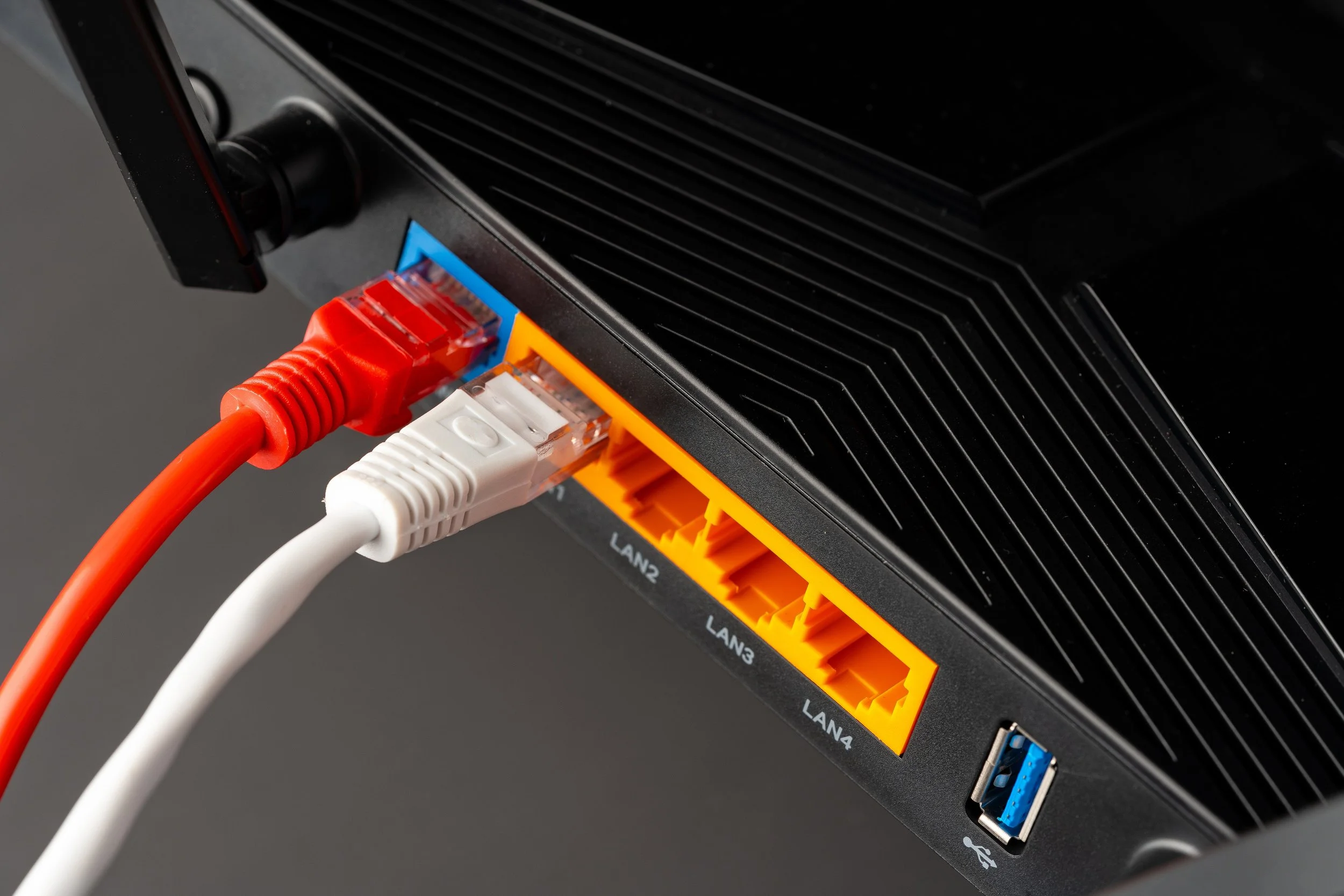
I don't do on-site network work. No van, no house calls, and I'd rather say that here than after you've booked. What I do instead reaches further than most people expect, because the settings behind almost every Wi-Fi problem live inside the router, and I can get to those from anywhere.
What happens in a remote session
You open the software and it shows you a code. You read that code to me, and until you do, I have no way in at all. Your screen stays on and you watch every click. Say stop and I stop. From there I'm inside your router's settings, and I'll have you carry a laptop room to room so we can see where the signal actually falls off rather than where you think it does. When we close the session, my access closes with it.
When a device needs to come to me
Anything that has to be reset or physically worked on, you bring here to Clive, 50325. Urbandale, Windsor Heights, West Des Moines, Johnston, and Waukee are all a short drive. What I won't take on is running cable or mounting hardware inside a wall.
Home Wi-Fi Support in Clive: Rates and What's Included
The consultation is free and commits you to nothing.
Basic support is $30 for the first hour and $25 for every hour after that. Nearly everything on this page sits in that tier: settings, channels, placement, printers, and getting a houseful of devices back on after a change of equipment.
Advanced support starts at $99 for the first hour and $30 an hour after, plus parts if it comes to that. That's for anything needing hands on a device, or trouble that runs deeper than the configuration.
You'll hear which one applies before I start rather than after.
Frequently Asked Questions
-
No. Everything happens remotely, or you drop a device off in Clive. For Wi-Fi that costs you less than it sounds, since the causes are usually in settings I can reach from here.
-
Distance, walls, floors, and usually the router's position. Signal drops off faster through a floor than along one, so a basement router leaves the top-floor rooms short.
-
Depends on the house and the router you already have, and often neither is necessary. I'll tell you which after we've tested, and if it's hardware you can buy it yourself or have me source and set it up.
-
That's the free consultation. The symptoms overlap, and knowing which it is saves you either a wasted call to them or a wasted afternoon on your own equipment.
-
Yes. Same as any other machine: remote support for software problems, drop-off here in Clive when something needs hands on it. Slow Macs, applications misbehaving, backups, data transfer off an old one onto a new one, and getting a device set up so it works the way you expect. Tell me what it's doing and I'll tell you what I think it is.
-
Yes, along with tablets, thermostats, cameras, speakers, and consoles. After a router change that's usually the whole job.
-
Nothing to ask. $30 for the first hour after that, which covers most Wi-Fi work. See the full rates on the Services and Pricing page.
Let's Find Out Where the Fault Is
Three things make the first call quick. Who your provider is. What the router says on the front. And where the signal fails, meaning which rooms, at what time, and on which devices.