
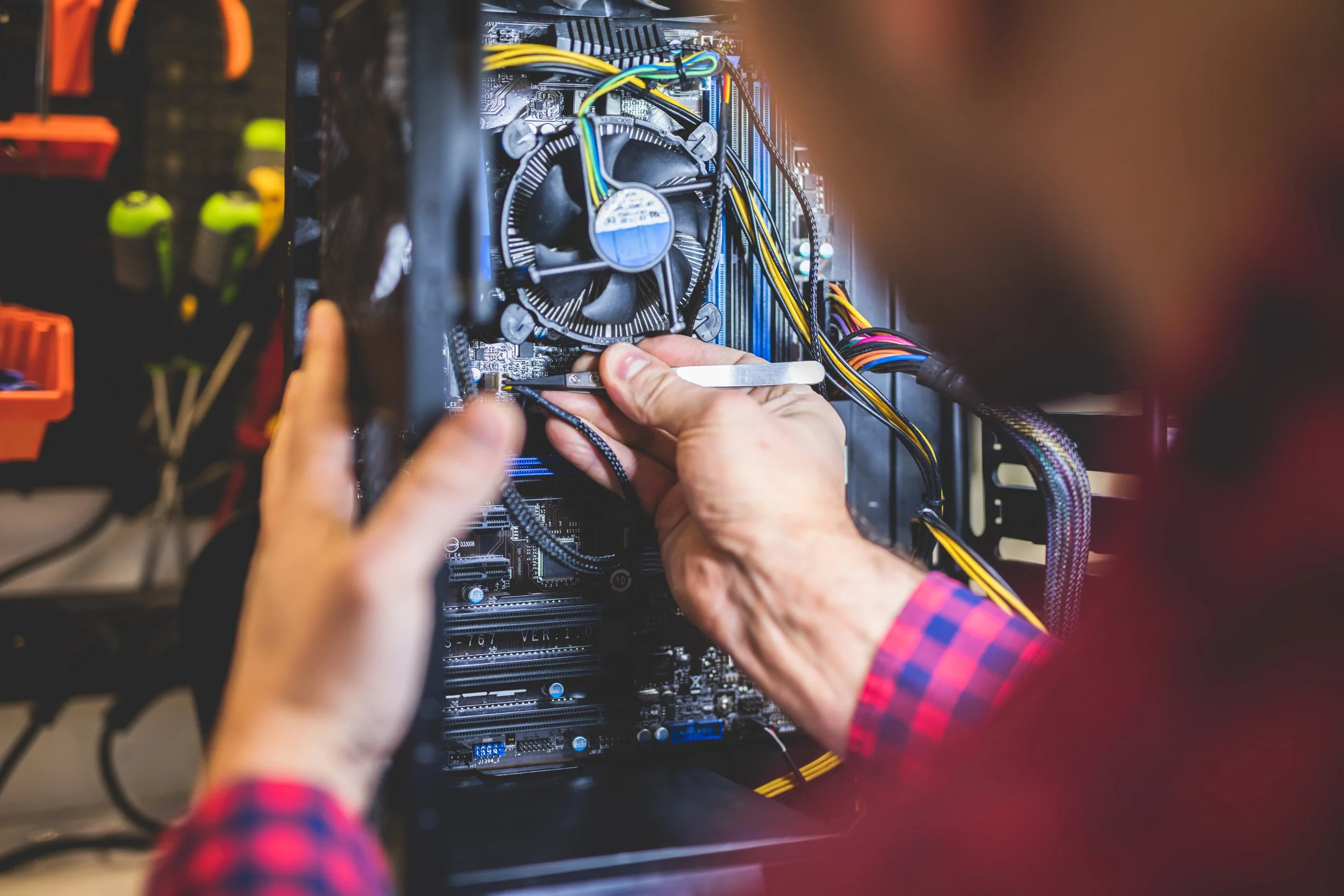
Computer Repair in Clive, IA
Something's wrong with the computer and you've been putting it off. Tell me what it's doing and I'll tell you what I think it is.
The Computer Repair Jobs I Get Called About Most
Most of what I see comes down to four or five problems wearing different hats. They've usually been sitting longer than they needed to, and none of them say anything about you.
It got slow or it won't start at all
Slow is a symptom, not a diagnosis. It can be a dying drive, a full drive, six programs launching at startup, a driver that updated badly, or heat. Diagnostics tell us which, and the fix for one looks nothing like the fix for another. Same story with a machine that won't power on, or that hangs at the manufacturer's logo and goes no further.
Viruses, malware, and the call that wasn't from Microsoft
Fake tech support is one of the more common scams aimed at older adults, and plenty of people around the metro have taken a call from someone claiming their computer was infected. If you let somebody in and now regret it, get it looked at today rather than next week. I'll check what was installed, what was changed, and whether anything was taken.
Microsoft will not call you. Your bank will not call you about a virus. And I will not call you unless you contacted me first.
Files you thought were gone
Data transfer and recovery are the jobs people wait longest to ask about, which is the worst thing they could do. Every hour you keep using the machine, the odds get slightly worse. Photos, tax records, a thesis chapter, twenty years of email. Call before you lose the file. Or after, which is more common.
Wi-Fi, printers, and the router your provider left you
Most Clive households are on Mediacom, CenturyLink, or Metronet, and the box that came with the service is usually why the back bedroom has no signal. Printers are their own thing entirely. So is the shared family computer, and the tablet the grandkids have somehow locked.
How It Works
Call or text and tell me what's happening. I'll say what I think is wrong, whether I can fix it, and roughly what it takes. Free, and it commits you to nothing.
We book a time that suits you.
I remote in while you watch your own screen, or you drop the device off here in Clive.
You hear the price before any work starts.
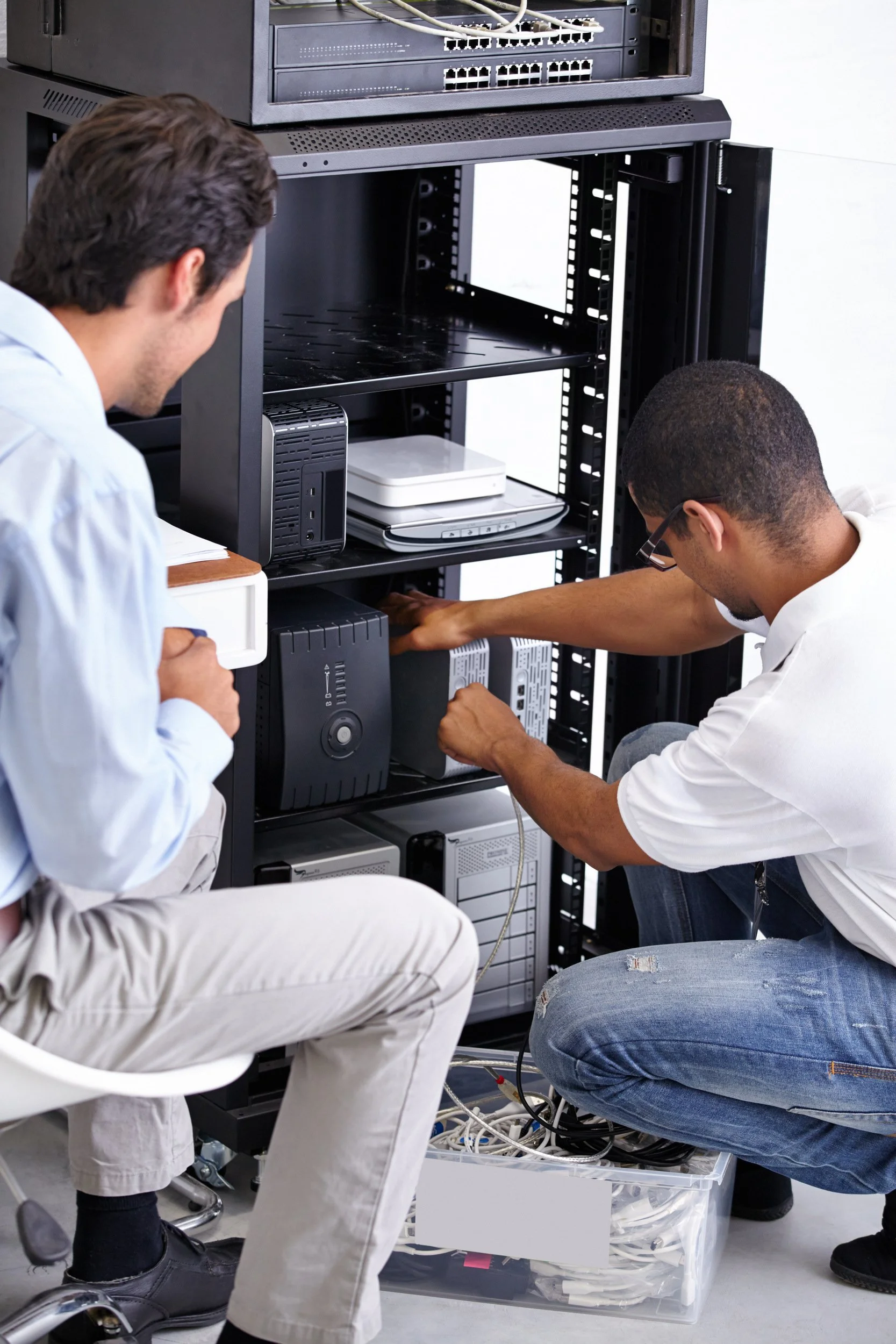
If You're Still Running Windows 10
Plenty of computers around here are, usually because the machine works fine and just can't take Windows 11. Microsoft stopped sending Windows 10 the regular security updates in October 2025.
There's a reprieve and it's recent enough that most people haven't heard about it. In June, Microsoft added a second year to the free security update programme for home PCs, which now runs to October 2027. The old cutoff was next month, so it matters most if you haven't signed up yet.
Signing up needs Windows 10 version 22H2, Home or Pro. From there you've got three routes: sync your settings through Windows Backup and pay nothing, cash in 1,000 Microsoft Rewards points, or hand over $30 the one time. Ten devices on a single license. Already enrolled? The extra year lands on its own and you can forget about it.
Not sure which version you're on or whether the computer will run Windows 11? That's what the free consultation is for. Ten minutes on the phone and you'll know.
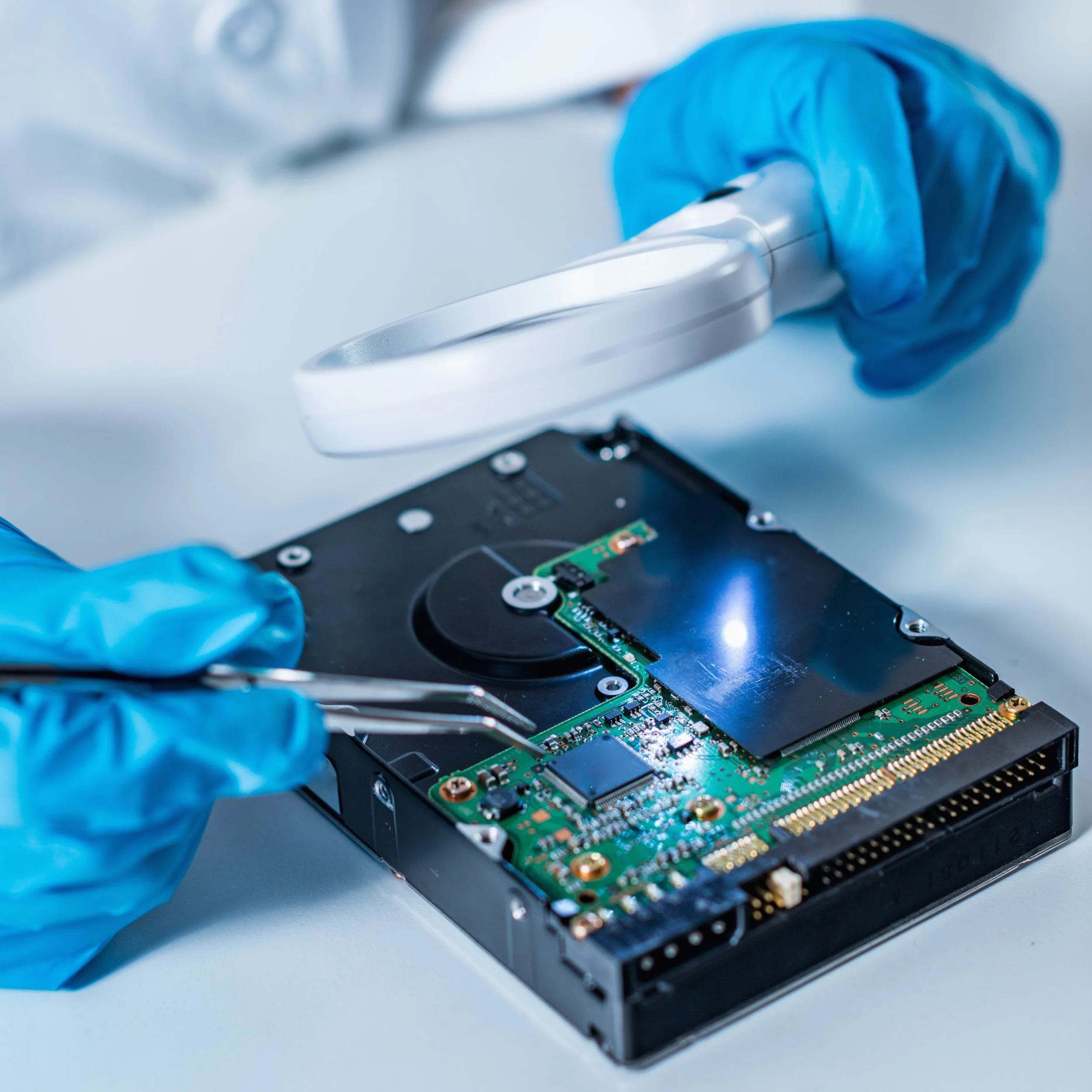
Remote Computer Support or Drop It Off in Clive
Most problems don't require anyone to drive anywhere
Remote support
You open the software, it shows you a code, and you read me that code over the phone. Until you do, I have no way in. Your screen stays on and you watch every click I make. Say stop and I stop. When we close the session my access closes with it.
Drop-off repair
Hardware failures, part replacements, and drives that need to come out get handled by hand. You bring the device to me here in Clive, 50325. Clive is long and thin, but nothing in it is far from anything else, and I see plenty of people from Urbandale, Windsor Heights, West Des Moines, Johnston, and Waukee too.
What Computer Repair in Clive Costs
The consultation is free and commits you to nothing.
Basic support is $30 for the first hour, $25 for every hour after that. Most things land here: remote diagnostics, an application or a driver playing up, getting a backup running, email that won't behave, or working out how to do something in Windows, macOS, Microsoft Office, or Google Workspace.
Advanced support starts at $99 for the first hour and $30 an hour after. Parts cost extra, if it comes to that. This is the deeper end. Moving or rescuing data, clearing out viruses and malware, troubleshooting that takes real digging, and any repair where I need the device in front of me.
Which one you're looking at, you'll hear from me before I start rather than after.
Tell Me What's Going On
Two things make the first call faster. The make and model, if you know them; if you don't, describe what's in front of you and we'll work it out. And the error message word for word, plus which program you were in when it appeared. That usually gets us halfway there.

Frequently Asked Questions
-
No. I work two ways: remotely, over the internet, while you sit and watch your own screen, or hands-on, where you bring the device to me here in Clive. Remote handles most software problems, and the drop-off is for anything that needs a screwdriver.
-
The consultation costs nothing. After that it's $30 for the first hour and $25 for each hour after for basic support, or $99 for the first hour and $30 for each hour after for advanced work, plus parts if anything needs replacing. You'll know which one applies before I start.
-
It's the right question to ask, given how many people around the metro have had a scam call about a virus. Here's how mine works. I can't reach your computer on my own. You open the software, it gives you a code, and you read that code to me. Until you do, there's no way in. Your screen stays on, you watch every click, and you can tell me to stop at any point. When the session closes, so does my access.
-
Sometimes. It depends on whether the drive failed mechanically, whether the files were deleted or encrypted, and how much the machine has been used since. Data recovery is advanced support, and the odds are always better the sooner you stop using the computer. Call and describe what happened and I'll tell you honestly what I think the chances are.
-
Yes. Same as any other machine: remote support for software problems, drop-off here in Clive when something needs hands on it. Slow Macs, applications misbehaving, backups, data transfer off an old one onto a new one, and getting a device set up so it works the way you expect. Tell me what it's doing and I'll tell you what I think it is.
-
Faster than a shop with a queue, because there isn't one. Call or text and we'll find a time. If it's urgent, say so.
-
Yes, and it commits you to nothing. Tell me what's happening, I'll tell you what I think is wrong and roughly what it takes to fix. If the answer is that it isn't worth fixing, that's what I'll say.