
Home IT Support in Clive & Des Moines, IA
Thirty years of fixing the things that break at the worst possible moment. I will remote into your computer while you watch, or you can drop it off here in Clive. The first conversation is free and the first hour of support is $30.
Adam Ricklefs, Founder, Ricklefs Technology Solutions, LLC
About me
The Person You Will Actually Be Talking To
Every call comes to me. There is no queue and nobody is reading from a script.
Thirty years, most of them in Des Moines
My name is Adam Ricklefs. I grew up in Des Moines and I am still here, watching the metro grow around me. I have spent more than thirty years supporting computers, networks, and infrastructure across a range of fields, planning and building them as well as fixing them when they break.
Why I started this
I've watched people get stuck on something at the worst possible time and then sit on it for a week, because asking felt worse than the problem did. That part bothers me more than the broken computer does. Most of what goes wrong isn't anyone's fault, and none of it says anything about you.
So the point of this business is that you've got a number to call, at whatever hour you find yourself staring at the screen, and the person on the other end isn't going to make you feel small for calling it.
I want that for you. I also want it for your parents and your grandparents, and those are the calls that matter most to me.
Residential IT Support Across Clive and the Des Moines Metro
Three tiers, and the first one costs nothing. Most problems get sorted in the second. I will tell you upfront which one you are looking at, and if I cannot fix something I will say so and point you toward someone who can.
Free Consultation
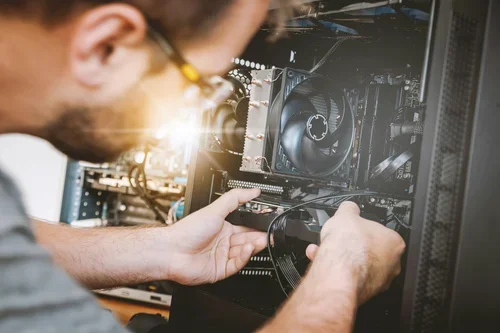
Get in touch and share what is happening. I will tell you what I think is wrong, whether I can fix it, and roughly what it will take. Asking commits you to nothing.

Basic support
I remote into your computer and we work through the problem together while you watch. Diagnostics, application and driver trouble, slow PCs, data backup, email setup, and help using Windows, Microsoft Office, or Google Workspace. Nothing to unplug and nothing to carry anywhere.
Advanced support
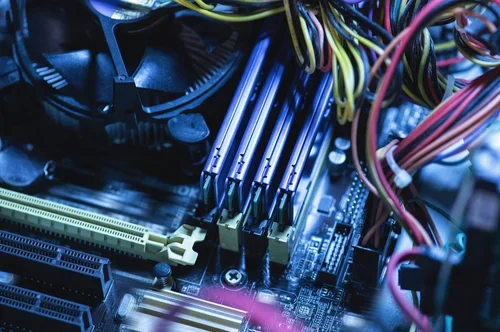
The deep end: data transfer and recovery, virus and malware removal, troubleshooting that takes real digging, and hands-on repair where you bring the device to me in Clive.
What Home IT Support in Clive Costs
No hourly rate hidden behind a contact form. You will always get a number from me before I start work.
| Service | Cost |
|---|---|
| Free Consultation | Free |
| Basic support, remote | $30 first hour, then $25 per hour |
| Advanced support and hands-on repair | $99 first hour, then $30 per hour |
| Replacement parts | Billed at cost, on top of labour |
Who I Help Across the Des Moines Metro
Almost everyone I work with is a household rather than a company. Nobody here has an IT department to ring first, so by the time you call me you've usually tried a couple of things yourself and had a look online. I'll pick it up from wherever you got to.
Seniors
I'll go at whatever pace suits you. If you want me to go back over something for the third time, ask, and we'll go over it for the third time. If it helps to have the steps written down beside the keyboard rather than living in your head, I'll write them out for you.
Students
Assignments, cloud backup, a laptop that dies the night before a deadline. Call me before you lose the file. Or after, which is more common.
Families
Shared computer, printer nobody can connect to, Wi-Fi that will not reach the back bedroom, or tablet the grandkids have somehow locked.
Home offices and one-person businesses
Email, backups, device setup, and a number to call when something stops working on a Tuesday morning.
Common Computer Problems I Fix
Most people who call me are somewhere between mildly annoyed and properly worried. Usually it is one of these. If yours is not on the list, call anyway, because it probably still is.

Your computer has slowed to a crawl
It used to boot in thirty seconds and now you have time to make coffee. Nine times out of ten this is fixable without buying anything new.
A warning popped up and it will not close
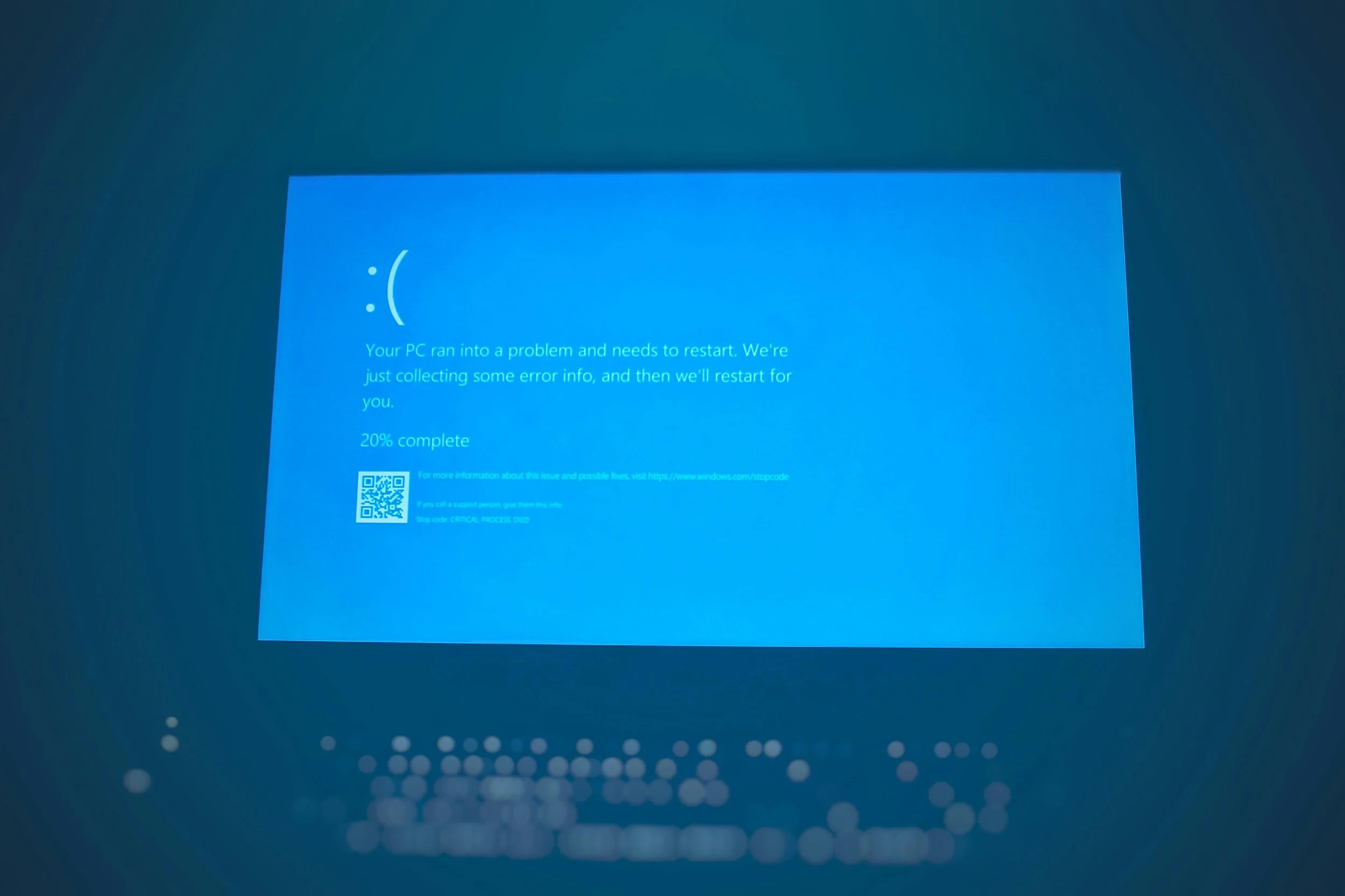
Something on screen says your computer is infected and gives you a number to call. Do not call that number. Call me and I will tell you what you are actually looking at.

You cannot get into the website you need
Healthcare portals, insurance sites, tax filing, government forms. The ones where being locked out actually costs you something.
The new computer is still in the box
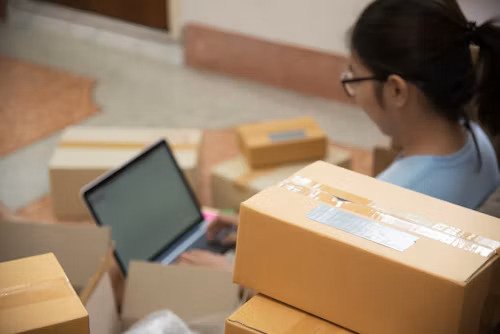
Setup, moving your files across, getting your email working again, making the printer talk to it. Usually one sitting.
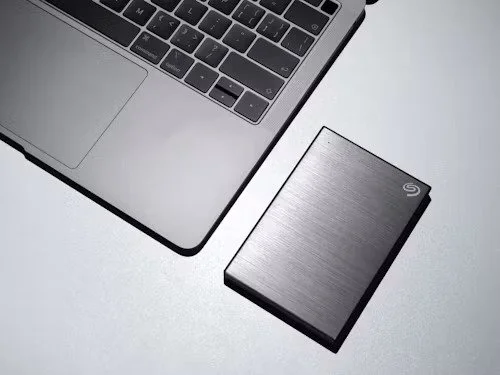
Photos and documents sitting on one hard drive with no copy anywhere else. This is the call I wish more people made before something went wrong instead of after.
Nothing is backed up
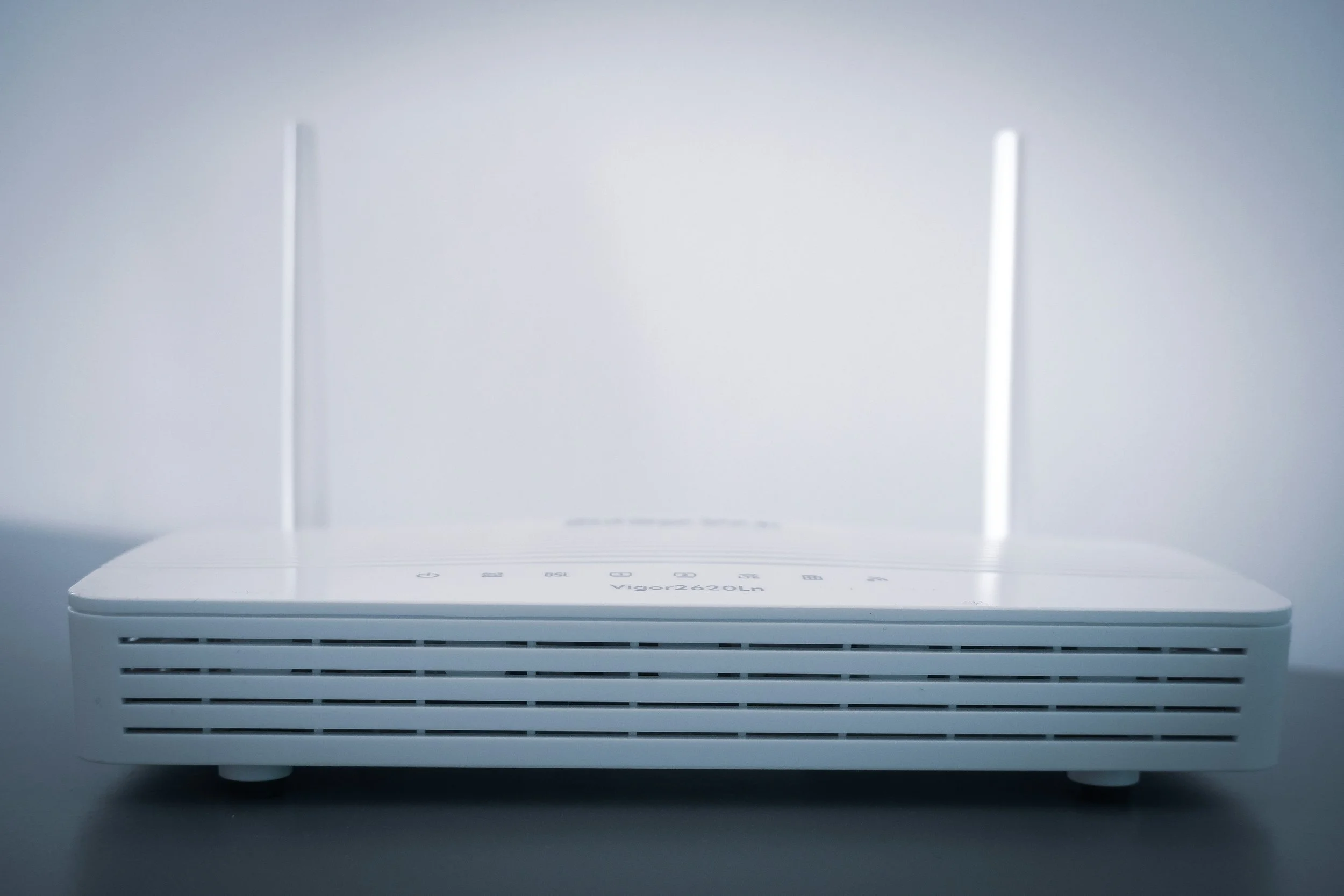
Sometimes it is the router, sometimes it is the layout of the house, and now and then it is your internet provider quietly having a bad week. I will work out which before you spend money on a new router you do not need.
The Wi-Fi keeps dropping
Is Remote Support Safe?
Good question to ask. Fake tech support is one of the more common scams aimed at older adults, and plenty of people in the metro have had a call from someone claiming a computer was infected. Being careful about who you let near yours is the right instinct, and I'd rather you asked me than didn't.
So here's how it works at my end. I can't reach your computer on my own. You open the software, it shows you a code, and you read that code to me over the phone. Until you do, I've got no way in at all, and if you change your mind halfway through reading it out, that's the end of it.
Once we are connected, your screen stays on and you watch every click I make, and if you want me to stop at any point you say so and I stop. When we close the session my access closes with it, so getting back in would mean you giving me a new code.
The other half of this is what I will never do. Microsoft will not ring you. Your bank will not ring you about a virus on your computer. And I will not ring you unless you contact me first.
So if someone calls claiming to be tech support, hang up. Then call me on the number below and I will tell you what you were actually dealing with. That conversation is free, whether or not there turns out to be anything wrong.
How Home IT Support Works
Four steps, and you can stop after the first one without owing me anything.
1
You get in touch
Call, text, or use the form. Tell me what device you have and what it is doing. If you do not know the make and model, describe it and we will work it out.
2
I tell you what I think it is
Free, and usually within the hour. You will hear what is likely wrong, what fixing it involves, and what it costs before you agree to anything.
3
We fix it
For most jobs I connect to your computer remotely while you watch the screen. For hardware, you bring the device to me in Clive.
4
I explain what happened
Before we finish I'll tell you what was wrong with it, in language you could repeat to somebody else. Most of the time there's something small you can do to stop it happening again, and I'll show you that too.

What Clients Say
"I was completely overwhelmed trying to set up my new computer, but Ricklefs Technology Solutions made the entire process simple and stress-free. Everything was transferred, organized, and explained in a way I could understand. I couldn't be happier with the service."

"When our home Wi-Fi suddenly stopped working, they responded quickly and had us back online in no time. Professional, knowledgeable, and incredibly patient. It's reassuring to know we have someone local we can trust."

"As a senior, technology can be intimidating, but Ricklefs Technology Solutions never made me feel embarrassed for asking questions. They took the time to explain everything clearly and gave me confidence using my devices again."

"I was completely overwhelmed trying to set up my new computer, but Ricklefs Technology Solutions made the entire process simple and stress-free. Everything was transferred, organized, and explained in a way I could understand. I couldn't be happier with the service."

Get Your Free Consultation
Tell me what's going wrong and I'll tell you what I think it is. No charge for that part.
The make and model help if you know them. If you don't, describe what's in front of you and we'll work it out.
If there's an error message on screen, tell me what it says and which program you were in when it showed up. That usually gets us halfway there.
Prefer to talk? Call or text (515) 339-8780. Either way, you'll hear back as soon as I can manage it.
Adam Ricklefs
Ricklefs Technology Solutions, LLC
Clive, IA 50325
ricklefstechnologysolutions@gmail.com
Serving Where?
Serving Clive and the Des Moines Metro
I work out of Clive, IA 50325. If the problem is in the hardware, you bring the machine to me and I'll call you when it's done. If it's in the software, which it usually is, we can sort it out over a remote session and you never have to unplug anything or find the box it came in.
Being in Clive puts me within reach of most of the metro. West Des Moines and Urbandale are neighbours, Windsor Heights and Johnston are barely further, and people make the trip from Waukee, Grimes, Ankeny, Altoona, Norwalk, and Pleasant Hill often enough that I've stopped thinking of them as out of the way. Des Moines itself is a straight run in.
Further out than that, remote support doesn't care where you are. If the problem lives on the screen rather than inside the case, the distance stops mattering.
Frequently Asked Questions
-
The consult is free. Basic remote support is $30 for the first hour and $25 per hour after that. Advanced work, which covers virus removal, data recovery, and hands-on repair, is $99 for the first hour and $30 per hour after. Replacement parts are billed at cost on top.
-
You bring it to me in Clive, but only for hardware. Most of what people call about turns out to be software, and that gets fixed remotely with the machine sitting where it is.
-
Yes, the way I do it. The session only opens when you read me a code off your own screen, you watch everything I do while I do it, and my access dies the moment we hang up. I never ring people who haven't contacted me first, so if somebody calls you claiming to be tech support, put the phone down.
-
Call or text at any hour and it'll reach me. If I'm asleep, you'll hear back first thing. If it can't wait until morning, say so in the message and I'll know to treat it that way.
-
Usually, yes. Most infections come off without touching your files. If a machine is far enough gone that starting fresh is the sensible option, you'll hear that from me before I touch anything, and your files get backed up first either way.
-
Yes. It's one of the most common jobs I do. Your photos and documents come across first, then email and printers, then the software you'd forgotten was on there until it wasn't.
-
Then I'll tell you straight and point you toward someone who can. Finding that out costs you nothing.
-
Yes. Most of the people I work with say the same thing about themselves and none of them were wrong to call.
-
Clive, West Des Moines, Des Moines, Urbandale, Windsor Heights, Waukee, Johnston, Grimes, Ankeny, Altoona, and the rest of the metro for drop-off. Remote support works anywhere.